
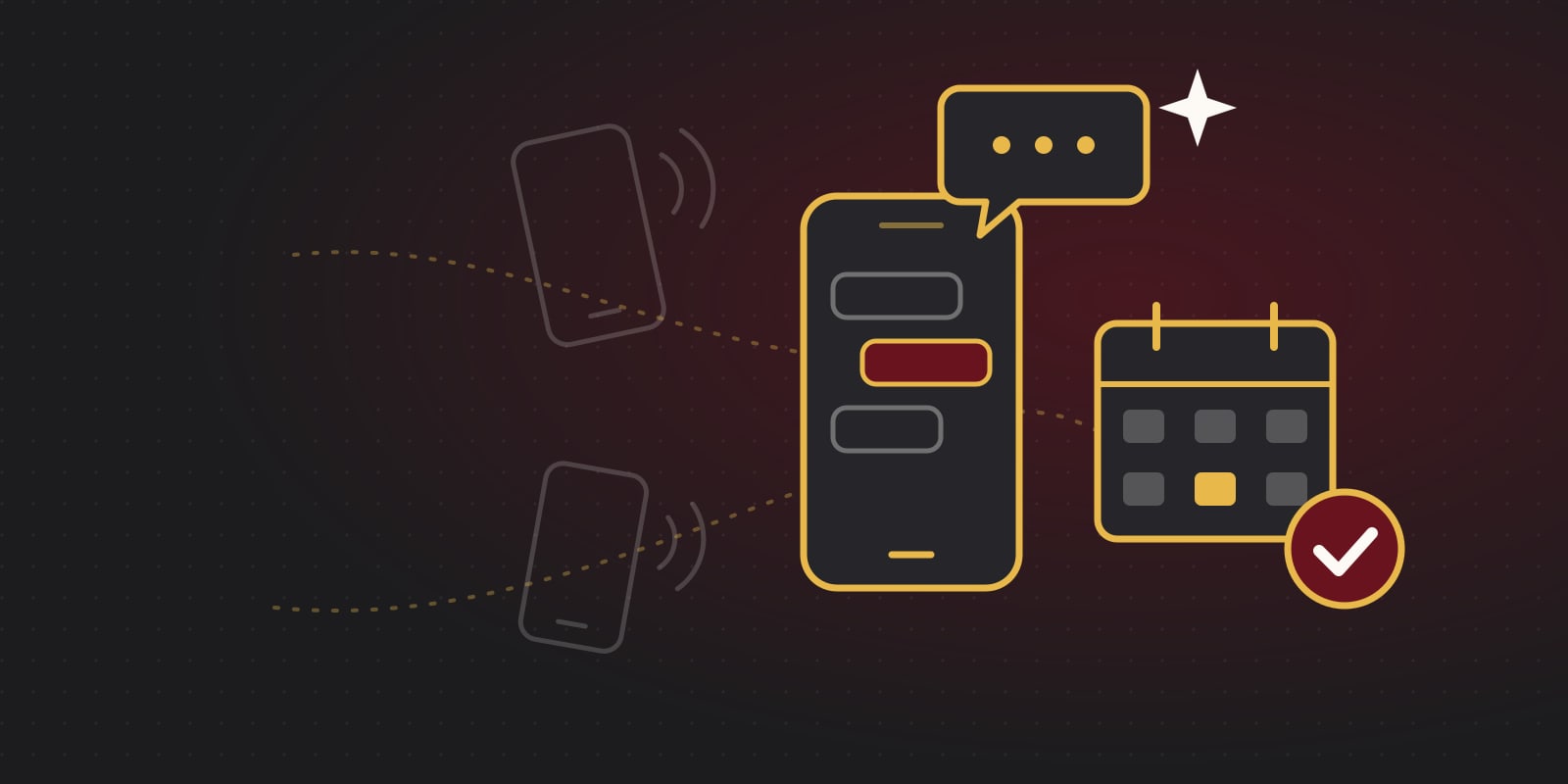

The phone rings while you’re up a ladder, halfway through a treatment or serving a queue of customers. You can’t answer, so it goes to voicemail. If they don’t leave a message, you may never know they called. They’ve already rung the next business on Google.
Every one of those calls could have been a job. AI can now answer some of them for you, but only if you set it up properly.
What an AI answering assistant actually does
An AI answering assistant is software that picks up your phone, website chat or messages when you can’t, and has a natural conversation with the customer. Think of it as a well-briefed temp who has read everything about your business and never needs a lunch break.
Set up well, it can:
- Answer common questions like opening hours, service areas and what you do and don’t do.
- Take the details of a new enquiry: name, number, address and what they need.
- Book an appointment straight into your calendar, if your booking system allows it.
- Send you a short summary by text or email, so you can call back the ones that matter first.
It doesn’t replace you or your front desk. It catches the calls that would otherwise fall through the cracks.
Where it pays off first
The best results usually come from three situations:
- After hours. Evenings and weekends are often when people get around to ringing a tradie or booking an appointment. An assistant can take the details and book them in while you’re at home.
- Busy times. A clinic front desk at 8:30am, a café at lunch, a plumber on a job. The assistant answers the overflow instead of letting it ring out.
- The same five questions. “Do you service my suburb?” “Are you open Saturday?” An assistant can handle these and free your staff for real work.
Picture a hypothetical three-van plumbing business. Calls during the day go to whoever isn’t under a sink, and after 5pm they go to voicemail. With an assistant answering the overflow and after-hours calls, each enquiry ends up as a neat summary, ready for a callback first thing.
What it shouldn’t do
AI is good at routine conversations. It is not good at judgement. Keep a person in charge of:
- Quotes for anything complicated. It can collect the details, but a person should set the price.
- Complaints and upset customers. These need a human, quickly.
- Emergencies, and health or legal advice. The assistant should pass these straight to a person, or point to the right service.
A good setup always has a clear way to reach a human. Nobody should feel trapped talking to a machine.
The rules to get right
Three things matter most.
Tell people they’re talking to AI. Australia’s privacy regulator, the OAIC, recommends that customer-facing AI tools are clearly identified as AI, so people know they aren’t dealing with a person.
Be careful with recording. Many assistants record the call or write it down. Recording rules differ between Australian states and territories, so the safest approach is to tell every caller at the start. Check with your adviser if you’re unsure.
Know where customer details go. The assistant will hear names, phone numbers and addresses. Choose a business-grade tool, know where the data is stored and who can see it, and update your privacy policy. The OAIC also warns against a “set and forget” approach, so someone should check the assistant’s work regularly. It’s the same thinking as keeping customer details out of public AI tools.
Fix this before you switch it on
An AI assistant can only be as good as the information you give it. If your prices, service areas and availability live in three people’s heads, the assistant will guess, and guessing on your behalf is worse than voicemail.
So first, write down the basics: what you do, where, when, roughly what it costs and what happens next. The Australian Government’s Guidance for AI Adoption makes a similar point for small businesses starting out: make sure AI fits your business goals before you adopt it.
Where to start
- Count your missed calls for two weeks. Most phone systems show this.
- List the ten questions customers ask most, with your answers.
- Decide what the assistant can and can’t do, and when it hands over to a person.
- Start with after hours only, then extend it if it works.
- Read every summary for the first month, and fix any answers it gets wrong.
If the missed calls are only part of the picture, what to automate first is a good next read. Our AI & Automation service sets up AI assistants around how your business actually works, connected to the calendar and systems you already use, with your team trained to keep an eye on it.
Let's stop good enquiries going to voicemail
If calls are slipping through while you're busy doing the work, we can help you decide whether an AI assistant makes sense and set it up safely, with a real person always in charge.
Book an initial call with Three Bulls →Tell us how enquiries reach you today and we'll show you where the gaps are.